opyratorfront#
Generate opyrator UIs and webservices and docker containers from python functions
To install: pip install opyratorfront
What it’s about#
opyrator#
(From the readme of opyrator):
opyrator allows us to write code like this:
from pydantic import BaseModel


class Input(BaseModel):
    message: str


class Output(BaseModel):
    message: str


def hello_world(input: Input) -> Output:
    """Returns the `message` of the input data."""
    return Output(message=input.message)
Putting this in a file named my_opyrator.py and running
opyrator launch-ui my_opyrator:hello_world
from the command-line, we can get a web UI that looks like this:
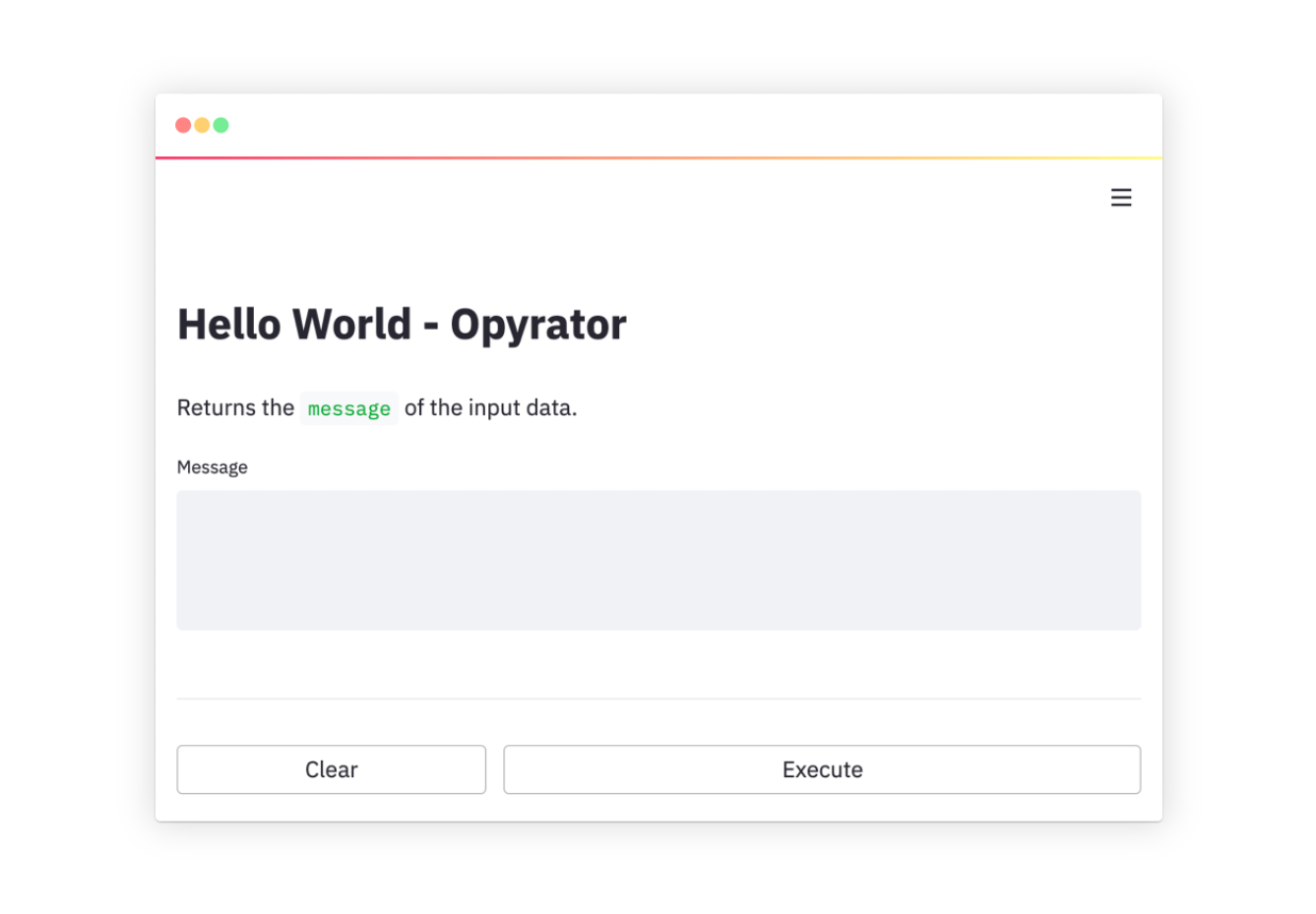
Not only that, we can also get the underlying webservice, along with an openAPI specification of the latter, by doing this:
opyrator launch-api my_opyrator:hello_world
opyratorfront#
We have tools (namely py2dash and streamlitfront ) to get from a set of functions to a web UI.
Now streamlitfront, like opyrator, uses streamlit to make a UI from
python, but streamlit doesn’t provide a way to remove the UI concern and
only use the underlying web-service independently.
(Though there’s interest in this.)
opyrator not only offers that possibility, but also
many other desirable “dispatches”.
That said, opyrator doesn’t come with all the boilerplate minimized
multi-function get-from-python-functions-to-a-ui-wrapper stuff we’d want.
So we made opyratorfront to try to get the best of both worlds.
This documentation as a single file: opyratorfront.md (Markdown, for agents).
built 2026-10-30 13:04 UTC from 9b89938 (master) · opyratorfront 0.1.2 · about this build